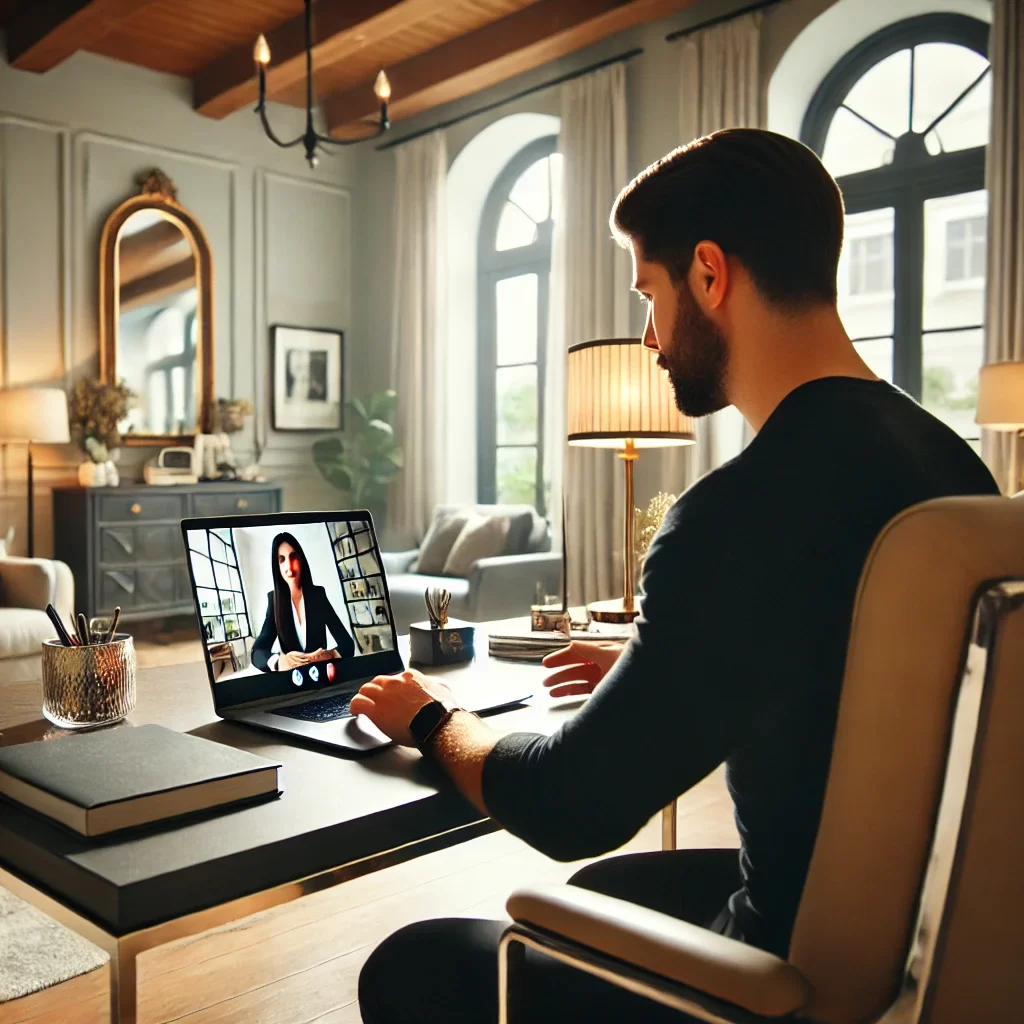
Creating a Productive Workspace at Home
Setting up a dedicated work-from-home office is essential for maintaining productivity, focus, and work-life balance. Whether you’re transitioning to remote work or simply need a better workspace, this guide will walk you through the process of creating a functional and comfortable home office.
Why a Dedicated Home Office is Important
A dedicated home office helps you separate your work life from your personal life, which is crucial for maintaining focus and reducing stress. It also provides a professional environment where you can work efficiently, free from distractions. Investing time in setting up a proper workspace can significantly enhance your productivity and job satisfaction.
Step 1: Choose the Right Location
The first step in setting up your home office is choosing the right location. Ideally, this should be a quiet area where you can work without interruptions. Whether it’s a spare room, a corner of your living room, or a section of your bedroom, the key is to find a space that is conducive to work.
Practical Tip: Consider Natural Light
If possible, choose a location with access to natural light. Natural light can boost your mood and energy levels, making it easier to stay focused throughout the day. Position your desk near a window to take advantage of daylight.
Step 2: Invest in Quality Furniture
The right furniture is crucial for creating a comfortable and ergonomic workspace. Invest in a sturdy desk and an ergonomic chair that supports good posture. This will help prevent strain and discomfort during long work sessions.
Practical Tip: Ergonomic Considerations
When choosing a chair, look for one with adjustable height and lumbar support. Your desk should be at a height that allows your arms to rest comfortably at a 90-degree angle while typing. Consider adding a footrest if your feet don’t reach the floor.
Step 3: Organize Your Workspace
A clutter-free workspace promotes focus and efficiency. Organize your desk with essential items within easy reach, such as your computer, notepad, and pens. Use drawers, shelves, or storage bins to keep non-essential items out of sight and reduce visual distractions.
Practical Tip: Use Cable Management Solutions
To keep your workspace tidy, use cable management solutions like clips, ties, or cable trays. This will help prevent tangled cords and create a cleaner, more organized look.
Step 4: Set Up Your Technology
Your home office needs to be equipped with the right technology to ensure smooth and efficient work. This includes a reliable computer, high-speed internet, a printer, and any other tools or software you need for your job. Make sure everything is set up and functioning properly before you start working.
Practical Tip: Invest in a Good Monitor
If you work on a laptop, consider investing in a larger monitor to increase your screen space and reduce eye strain. A dual monitor setup can also be beneficial for multitasking and improving productivity.
Step 5: Create a Comfortable Environment
Comfort is key to sustaining productivity throughout the day. Consider the temperature, lighting, and overall ambiance of your workspace. Use adjustable lighting to reduce glare on your screen and prevent eye strain. If noise is an issue, consider using noise-canceling headphones or a white noise machine.
Practical Tip: Personalize Your Space
Add personal touches to your workspace, such as photos, plants, or artwork. This can make your office feel more inviting and boost your mood. Just be careful not to overdo it—keep the space professional and focused on work.
Step 6: Establish a Routine
Once your office is set up, establish a daily routine to help you transition into work mode. Start your day at the same time, take regular breaks, and set clear boundaries between work and personal time. A consistent routine helps create a sense of structure and ensures that you stay productive throughout the day.
Practical Tip: Use Time Management Tools
Tools like Trello, Asana, or a simple planner can help you organize your tasks and manage your time effectively. Use these tools to create a daily schedule, set reminders, and track your progress on various assignments.
Step 7: Stay Flexible and Adjust as Needed
Your work-from-home office should be adaptable to your changing needs. If something isn’t working, don’t hesitate to make adjustments. Whether it’s rearranging your desk, adding new equipment, or changing your routine, staying flexible ensures that your workspace remains functional and comfortable over time.
Final Advice: Keep Improving Your Workspace
As you spend more time working from home, you may discover new ways to enhance your office setup. Keep an eye out for ergonomic improvements, better organization methods, or technology upgrades that can further boost your productivity. A well-maintained and thoughtfully designed home office is key to long-term success in remote work.